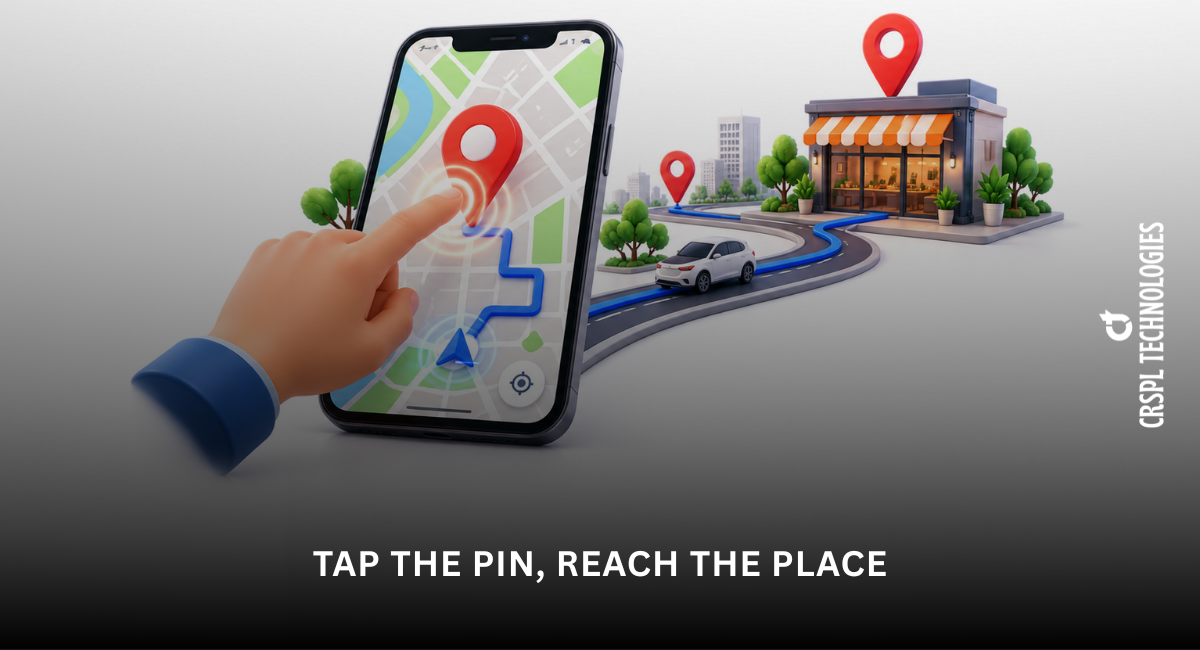
Tap the Pin, Reach the Place
Finding a location has become easier than ever thanks to digital navigation tools. Whether you are trying to locate a restaurant, a business office or a meeting point, dropping a pin on Google Maps allows you to mark and share locations instantly. Instead of explaining directions over a long phone call, you can simply send a dropped pin and help someone reach the exact spot without confusion.
For businesses and individuals alike, the Google dropped pin feature has become a simple yet powerful way to navigate, share and discover places. Developed by Google, this feature makes location sharing quick and accurate. In this blog, we will explore what a dropped pin is, how it works and how you can use it effectively in your daily life.
What is a Dropped Pin?
A dropped pin is a marker placed on a digital map to highlight a specific location. When you drop a pin in the Google Maps, it marks the exact spot on the map even if the place does not have a listed address.
This feature is particularly helpful when: -
- The location has no exact address
- You want to share a precise meeting point
- You need to save a place for future visits
- You want to mark locations during travel planning
Using Google Maps with pin drop, users can easily navigate to the pinned location or share it with others through messaging apps.
Why Dropped Pins Are Useful
The Google Maps pin drop feature solves many navigation problems. Sometimes addresses are incomplete or difficult to explain, especially in busy cities or unfamiliar areas. Dropping a pin removes that confusion by marking the exact location.
Here are a few benefits of using dropped pins: -
- Accurate Location Sharing: Instead of sending a written address, you can simply share a dropped pin location. This ensures the recipient reaches the exact place without confusion.
- Easy Navigation: Once a pin is dropped, you can start navigation immediately. Google Maps will guide you through the steps to the pinned destination.
- Helpful for Businesses: Businesses often send Google dropped pins to customers to make it easier for them to find their office, store or warehouse.
- Travel Planning: When planning trips, you can save important locations such as hotels, tourist attractions and restaurants using pins.
How to Drop Pins on Google Maps Easily
If you are wondering how to drop pins on Google Maps, the process is simple and can be done on both mobile devices and desktop computers.
On Mobile
- Open Google Maps on your smartphone.
- Find the location you want to mark.
- Tap and hold on the map.
- A red pin will appear showing the location.
- You can now save or share the pin.
On Desktop
- Open Google Maps in your browser.
- Locate the area on the map.
- Click on the exact spot where you want to place the pin.
- A Google Maps pin drop will appear with location details.
Once the pin is dropped, you can easily send the location to friends, colleagues or customers.
Saving and Organizing Multiple Locations
Many users want to mark several places at once while planning trips or managing routes. While Google Maps typically displays one dropped pin at a time, you can still organize multiple locations in different ways.
For example, you can: -
- Save different places to your Google Maps lists
- Add several stops while planning directions
- Use custom maps to organize multiple locations
These options allow users to manage multiple pin drops on Google Maps efficiently when planning travel routes or delivery paths.
How Do I Add Multiple Locations in Google Maps?
Many users ask, how do I add multiple locations in Google Maps?
Google Maps lets you add multiple stops when creating directions. Simply: -
- Open Google Maps.
- Enter your starting point.
- Click Add Stop.
- Enter additional destinations.
This feature helps you manage routes with multiple stops, making travel planning and logistics more organized.
Finding a Dropped Pin Near You
Sometimes you may receive a shared location from someone. When you open the particular link, Google Maps will show a dropped pin near you along with navigation options.
This is especially helpful when: -
- Meeting friends at an unfamiliar place
- Visiting a business location
- Attending an event or appointment
The dropped pin near me feature ensures users can quickly understand where they are going and how to reach there.
Sharing a Pin Location
Another advantage of the Google dropped pin feature is easy sharing.
After dropping the pin, simply tap the Share option and send the location through: -
- SMS
- Social media
This makes it easy to guide someone directly to the location without confusion.
Why Businesses Use Dropped Pins
Many businesses rely on Google Maps with pin drop to help customers find their offices or stores easily.
For example, companies often send a dropped pin to: -
- Clients visiting their office
- Delivery partners
- Job applicants coming for interviews
Using Google Maps pin drop improves customer convenience and reduces the chances of people getting lost while locating a business.
| Read More: Google Word Coach: A Smart Way to Learn New Words Daily |
Conclusion
In today’s fast-paced world, accurate navigation is essential. The dropped pin feature in Google Maps has made it incredibly easy to mark, save and share exact locations.
Whether you want to drop pins on Google Maps, share a Google dropped pin or plan routes with multiple stops, this feature simplifies navigation for individuals and businesses alike. From travel planning to business location sharing, dropped pins have become an essential tool for modern digital navigation.
If your business wants to improve online visibility, location accessibility and customer navigation experience, professional digital solutions can help optimize your presence on Google Maps and other platforms.