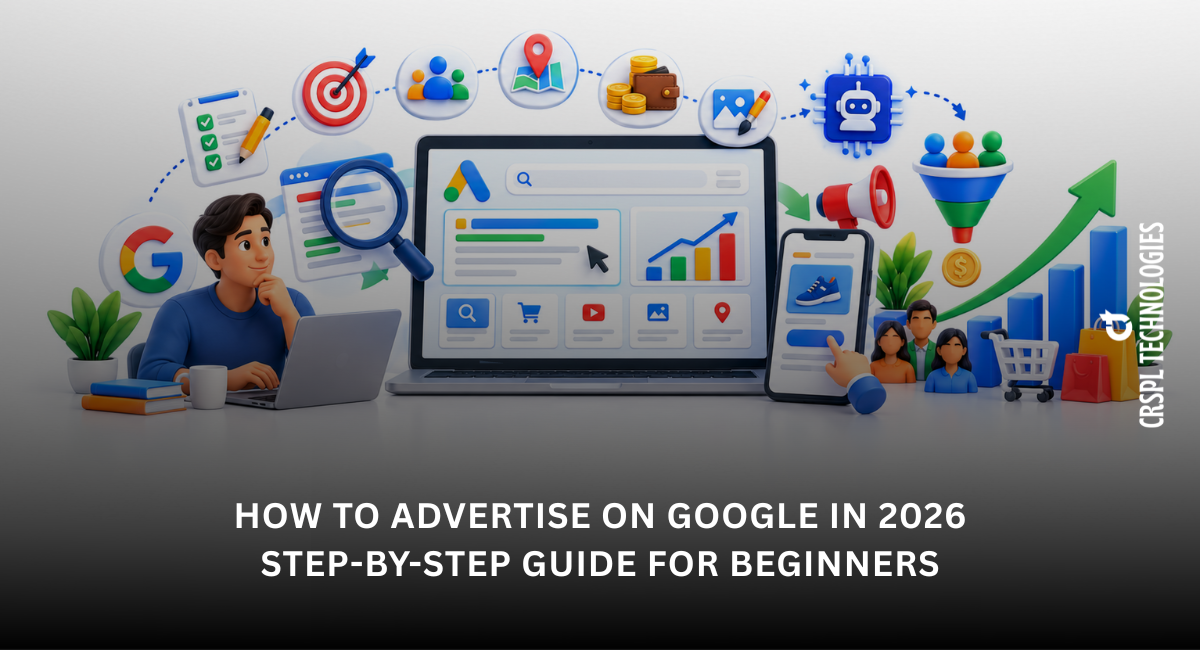
How to Advertise on Google in 2026: Step-by-Step Guide for Beginners
If you want to grow and expand your business online, understanding how to advertise on Google in 2026 is essential. Google Ads lets businesses reach potential customers when they are searching for products or services.
Whether you are a startup or a small business owner, this blog will help you learn Google Ads for beginners and show you how to create a successful campaign step by step.
What is Google Ads?
Google Ads is an online advertising platform where businesses pay to display ads on Google search results, YouTube and partner websites. It uses a PPC (Pay-Per-Click) advertising model, meaning you only pay when someone clicks your ad.
This makes it a powerful and cost-effective way to advertise your business on Google, especially for small businesses.
Why Use Google Ads in 2026?
- Instant visibility on Google search
- Highly targeted audience reach
- Flexible budget options
- Measurable performance tracking
- Ideal for Google Ads for small business growth
How to Advertise on Google in 2026 (Step-by-Step Guide)
Step 1: Create a Google Ads Account (Smart Mode vs Expert Mode)
Start by signing up on Google Ads using your Gmail account.
You will see two modes: -
- Smart Mode – Simple and suitable for beginners
- Expert Mode – Full control with advanced features
Beginners can start with Smart Mode, but switching to Expert Mode is recommended for better results.
Step 2: Choose Your Campaign Type
Select the campaign type based on your goal: -
- Search Ads (best for beginners)
- Display Ads
- Video Ads (YouTube)
- Shopping Ads
For most users learning how to run Google Ads campaign, Search Ads are the best starting point.
Step 3: Define Your Target Audience
Targeting helps you reach the right people: -
- Location (city or region)
- Language
- Age, gender, interests
For example, local businesses can target specific cities to improve ROI.
Step 4: Set Your Budget
Google Ads allows full budget control.
- Start with ₹300–₹500 per day
- Adjust based on performance
Google Ads cost in India depends on keyword competition and industry demand.
Step 5: Do Keyword Research
Keywords decide when your ads appear.
Tips: -
- Use Google Keyword Planner
- Focus on long-tail keywords
- Avoid overly broad keywords
This is a key part of Google Ads campaign setup step by step.
Step 6: Create High-Converting Ad Copy
Your ad should be clear and action-driven: -
- Include your main keyword
- Highlight benefits
- Add strong CTA (Call Now, Get Quote, etc.)
Example:
Headline: Affordable Legal Services in Gurgaon
Description: Fast and reliable registration services. Contact CRSPL Technologies today.
Step 7: Choose the Right Bidding Strategy
Google now focuses on the conversion-based bidding: -
- Maximize Conversions (recommended)
- Target CPA (advanced)
- Maximize Clicks (basic option)
Beginners can start with clicks, but shift to conversions for better results.
Step 8: Understand Quality Score & Ad Rank
Google ranks ads based on: -
- Ad relevance
- Expected click-through rate
- Landing page experience
A higher Quality Score can lower or minimize your cost and improve ad position, even with a lower bid.
Step 9: Launch Your Campaign
Once everything is ready, publish your campaign.
Ads usually go live within 24 hours after approval.
Step 10: Set Up Conversion Tracking (Very Important)
This step is crucial.
Track actions like: -
- Calls
- Form submissions
- Purchases
Without conversion tracking, you cannot measure the real campaign performance.
Step 11: Monitor and Optimize
Regular optimization is key: -
- Check performance metrics
- Pause low-performing keywords
- Test different ad copies
Initial data may appear quickly, but stable and optimized results usually take a few weeks.
Pro Tips for Google Ads Success in 2026
- Focus on the user intent and not just keywords
- Use negative keywords to avoid irrelevant clicks
- Improve landing page speed and design
- Run A/B testing regularly
- Track performance using analytics tools
| Read More: Top SEO Agency in Delhi – Boost Your Google Rankings |
Conclusion
Now you understand how to advertise on Google in 2026 and how to set up a campaign step by step. With the right strategy, even beginners can generate leads and grow their business using Google Ads.
If you want expert help in setting up and managing high-performing campaigns, CRSPL Technologies can help you achieve better ROI and faster growth.